Sign off Reports
This interface displays a temperature monitoring report that is editable. It is designed to allow users to review and sign off on temperature readings taken at different times of the day for various devices.
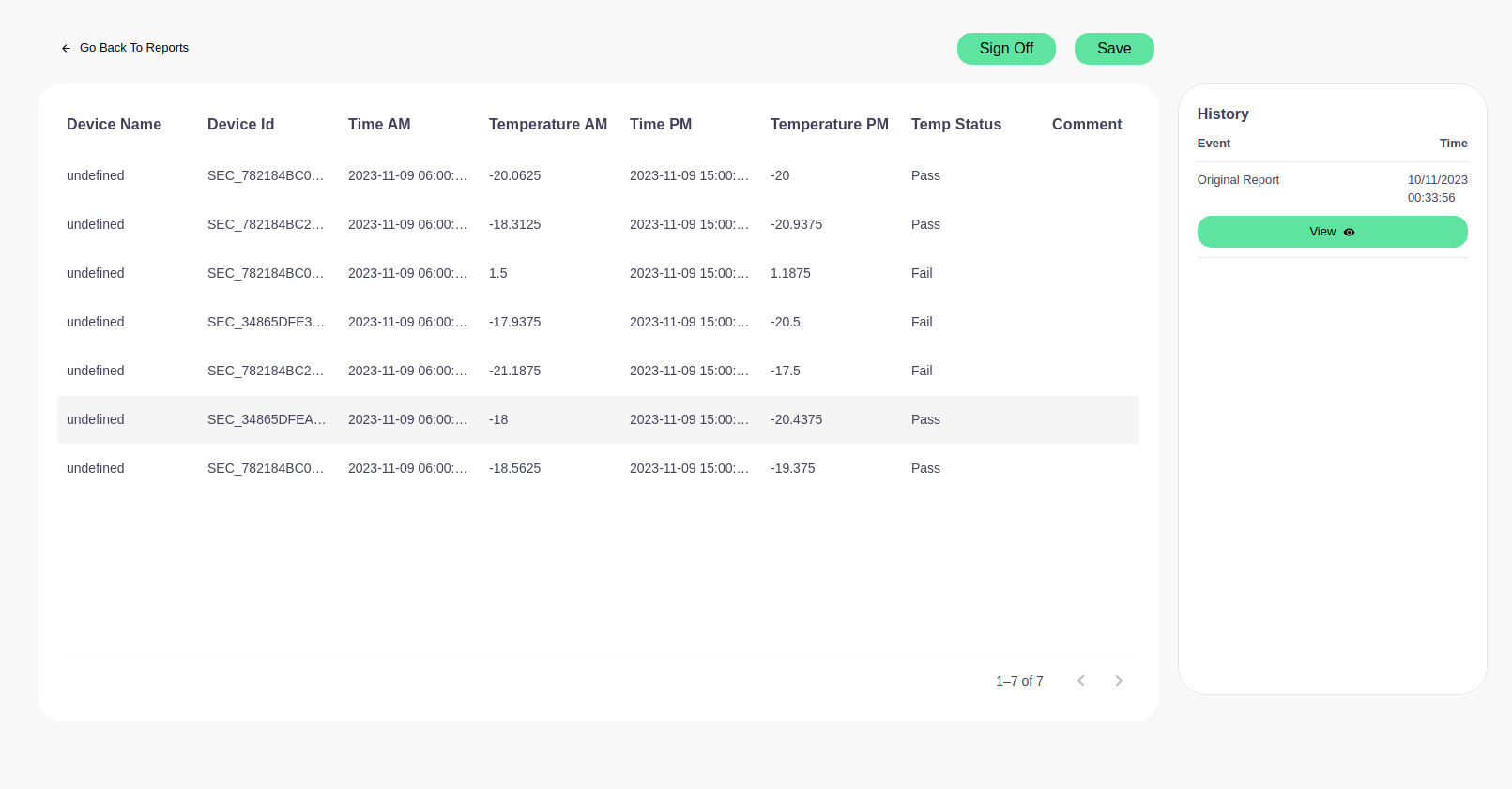
Interface Elements
- Navigation: A link labeled 'Go Back To Reports' enables users to return to the main report selection page.
- Action Buttons: 'Sign Off' to finalize reports, and 'Save' to store any changes made to the report.
Editable Table
The table contains the following columns:
- Device Name: This is currently showing as 'undefined', indicating missing data or a system issue that needs correction.
- Device ID: Unique identifier for the device.
- Time AM: The time of the morning temperature reading.
- Temperature AM: Temperature recorded in the morning.
- Time PM: The time of the afternoon temperature reading.
- Temperature PM: Temperature recorded in the afternoon.
- Temp Status: The result of the temperature reading, indicating whether it is within acceptable parameters ('Pass' or 'Fail').
- Comment: An editable field where users can add notes or comments about the specific reading.
History Panel
Displays the history related to the temperature monitoring, including:
- Event: The type of event, such as 'Original Report'.
- Time: When the event occurred.
- View Button: To view the details of the event.
Instructions for Use
- Review the temperature readings for accuracy.
- Add comments if necessary to provide context or action taken on 'Fail' statuses.
- Use the 'Sign Off' button to confirm the report is accurate and complete.
- Click 'Save' to ensure all changes are stored.
Note: Ensure that all data is accurate and complete before signing off on the report, as this may be critical for compliance and safety standards.