Login
Overview
This document provides detailed instructions for accessing and navigating the login page of the Smarter Energy Dashboard. This dashboard offers users a comprehensive view and control over their energy usage.
Accessing the Login Page
To access the login page, visit: Smarter Energy Dashboard Login
Login Procedure
Login Page View
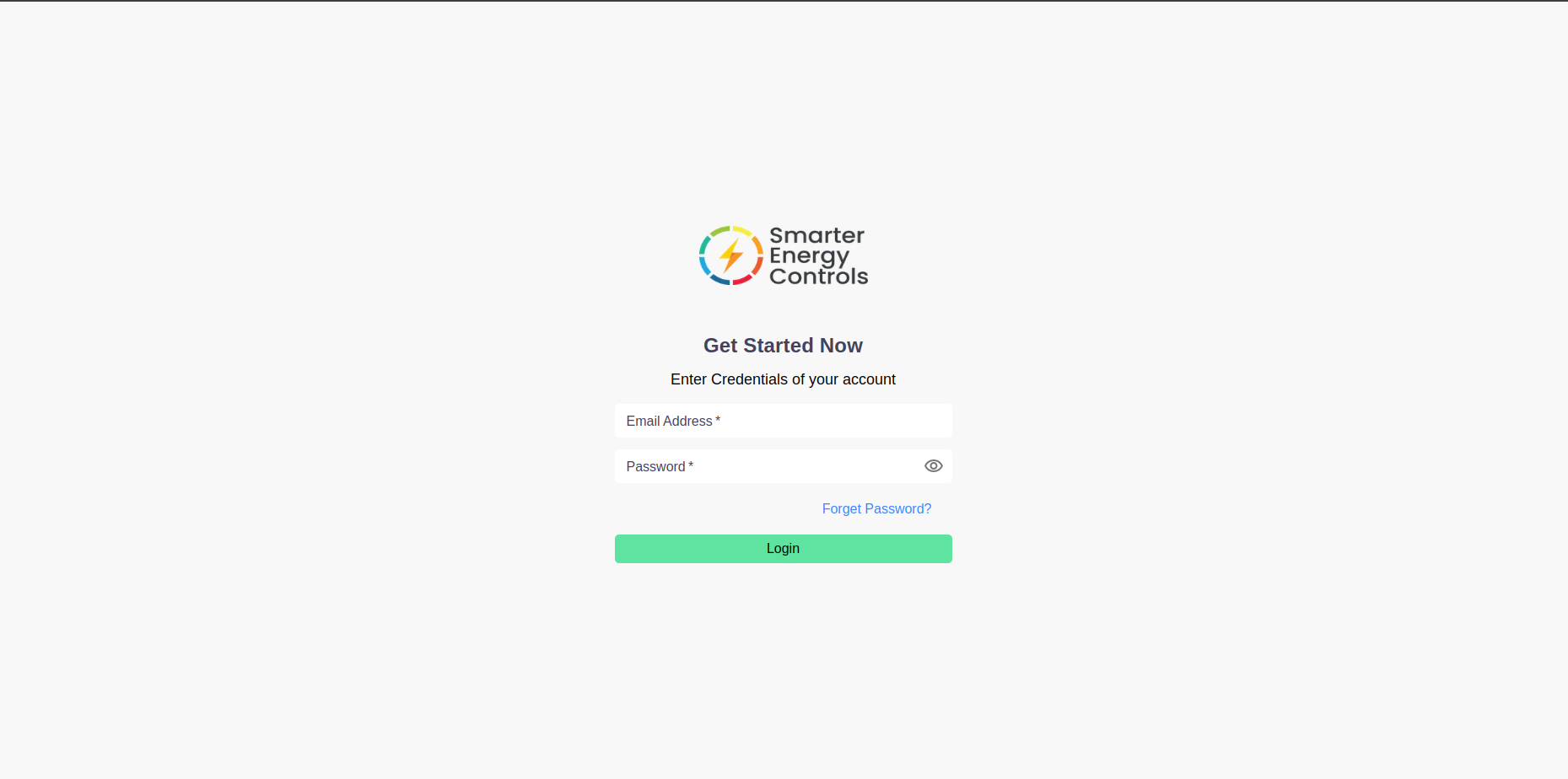
Requirements for Login
- Username: This is your registered email address.
- Password: This is your personal password set during the registration.
Steps for Login
- Email Address: Enter your registered email in the 'Email' field.
- Password: Enter your password in the 'Password' field.
- Note: The password is case-sensitive.
- Submit: Click on the 'Login' button to access the dashboard.